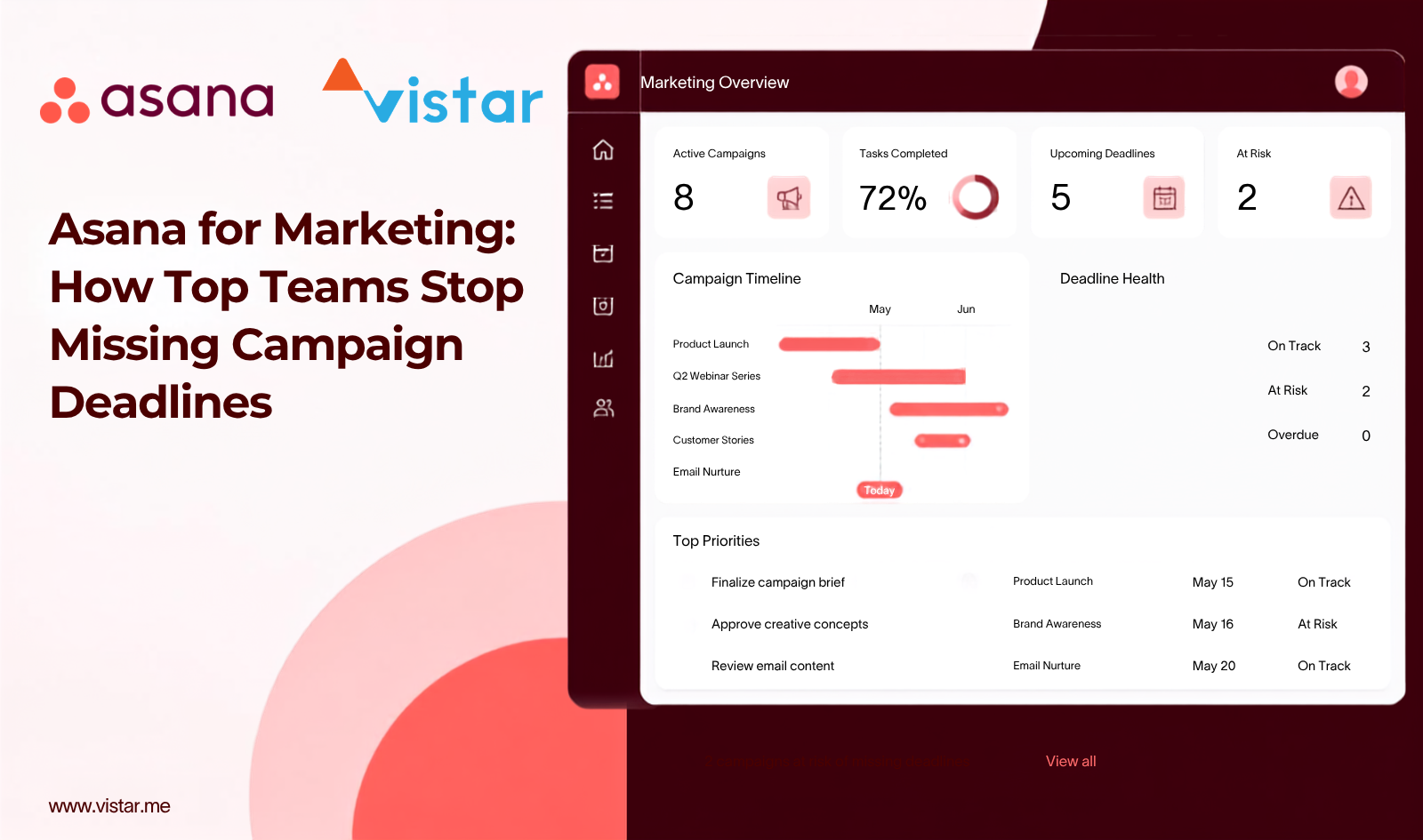
Here's an uncomfortable number: 85% of marketing teams missed at least one planned campaign launch in the past year, according to a 2026 survey of 300+ enterprise marketing leaders by Knak. Ten percent missed more than five. And it's not for lack of effort: 70% of those teams had already deployed AI tools to move faster. The top culprits weren't creative block or bad ideas; they were approvals sitting in someone's inbox (47%), creative production bottlenecks (38%), and cross-team coordination breaking down (36%).
If that sounds familiar, the problem usually isn't your team. It's that marketing work is being coordinated through tools that were never built to coordinate it: email threads, shared docs, and Slack messages that no one can search six weeks later. This is where Asana for marketing earns its reputation: not as a magic fix, but as a system that gives campaigns, content, and approvals a single, visible home.
This matters just as much for marketing teams in the UAE, where a single campaign often spans multiple emirates, agencies, and time zones.
This guide breaks down 10 practical ways marketing teams are using Asana to close that 85% gap, with the data to back up why each one matters.
Why Marketing Teams Struggle With Coordination in the First Place
Before the tips, it's worth understanding the root cause. Asana's own Anatomy of Work research found that knowledge workers spend just 25% of their time on actual skilled work, the campaigns, copy, and creative they were hired to do. Another 60% goes to "work about work": chasing status updates, hunting for the latest file version, and re-explaining priorities. Separately, 54% of marketing teams report juggling three to five separate tools just to get one campaign out the door, and 51% still run approvals over email or chat threads with no audit trail. This is the real case for marketing operations discipline, and for marketing project management software built specifically to reduce that coordination tax, not add to it.

1. Centralize Your Content Calendar
Instead of a spreadsheet nobody trusts, build your Asana content calendar in Timeline or Calendar view, with every blog post, email, and social update logged as a task with an owner and status. This becomes a content production workflow that marketing, design, and leadership can check without a single status-update meeting.
2. Treat Every Campaign as a Structured Project
Ad hoc planning is a major reason 85% of teams miss launches. Build a repeatable campaign management framework: Strategy, Creative, Approvals, Launch, Reporting, and spin up every new campaign from that same structure so nothing gets skipped under deadline pressure.
3. Build Reusable Marketing Project Templates
Asana marketing templates for blog production, paid social, and product launches turn a blank-page problem into a 10-minute setup. This is also where a real marketing tech stack advantage shows up: a template library becomes institutional knowledge that survives team turnover.
4. Automate the "Work About Work"
Given that 60% of time disappears into coordination, not creation, Asana workflow automation (Rules) is where the ROI is highest. Automatically reassigning tasks, notifying reviewers, or setting due dates when a status changes can claw back hours every week without writing a line of code.
5. Fix Your Approvals Process
Chasing approvals is a top-three cause of missed launches (47%) and a leading reason people work late (34%, per Asana's research). Formalize creative approvals with a dedicated task type, a named approver, and files attached directly to the task, not scattered across five email threads.

6. Connect the Tools Your Team Already Uses
With over half of teams juggling three-plus disconnected tools, integrating Slack, Google Drive, Adobe Creative Cloud, and your CRM directly into Asana turns a fragmented marketing tech stack into one coordinated system, cutting the app-switching that eats into real work.
7. Standardize Intake With Custom Fields and Forms
Every stray "quick request" from sales or leadership bypasses your priorities. An Asana intake form with custom fields for priority, requester, and campaign tag gives your team a transparent, defensible way to triage, a core piece of good marketing operations.
8. Track Capacity With Portfolios, Goals, and Workload
Rolling campaigns into Portfolios and tying tasks to Goals turns Asana into real marketing project management, not just a to-do list. Asana's Workload view also supports marketing resource management, flagging when a team member is overbooked before it causes the next missed deadline.
9. Build Cross-Functional Visibility
Cross-team coordination failure is cited by 36% of teams as a top reason for missed launches. Shared, read-only Portfolios give sales, product, and support visibility into your campaign calendar without a single extra status meeting.
10. Make It a Habit, Not a One-Time Setup
The best Asana for marketing setup fails if it's not revisited. A Monday check of My Tasks, a weekly async campaign update, and a quarterly review of what's working keep the system, and the coordination gains, from quietly decaying.
The Fix Is Simpler Than You Think
The data is clear: most marketing teams aren't missing deadlines because of bad strategy. They're losing time to approvals, tool-switching, and coordination that better marketing project management software is built to solve. You don't need all 10 of these at once. Start with whichever is costing you the most campaigns, usually approvals or your content calendar, and build from there.
This is exactly the kind of workflow audit our team at Vistar runs with marketing teams across the UAE: a quick look at where campaigns are actually getting stuck, and which two or three fixes would move the needle fastest. If your team's process looks more like tip 1 above than tip 10, it's worth a conversation.