Introduction
Businesses across the region evaluating a CRM often end up choosing Freshworks CRM, officially branded as Freshsales, for its balance of usability, automation, and pricing that scales with company size. For teams new to the platform, working with an experienced Freshworks partner in the UAE is usually the difference between a smooth rollout and months of reconfiguring a setup that was rushed the first time. This guide covers what actually matters when getting started, based on how the platform is structured and used in practice.
What Freshworks CRM Actually Is
Freshworks CRM centralises contact management, deal tracking, and communication into a single system. It's built around AI-driven sales insights through its Freddy AI assistant, along with built-in phone, email, and chat tools, so sales teams aren't switching between five different apps to manage one deal. It's widely used by technology startups, SaaS companies, real estate agencies, and digital marketing firms, largely because it handles high lead volumes without demanding a steep learning curve.
Setting Up Your Account Correctly the First Time
Initial setup involves defining sales pipeline stages, configuring user roles and permissions, and importing existing contact and deal data. This stage is where most avoidable mistakes happen. Pipeline stages that don't reflect how your sales team actually sells, or permission structures set up too loosely, tend to cause reporting headaches months later. This is exactly the stage where a Freshworks partner in UAE earns its value, configuring the account around your actual sales process rather than the platform's default template.
Organising Contacts, Accounts, and Deals
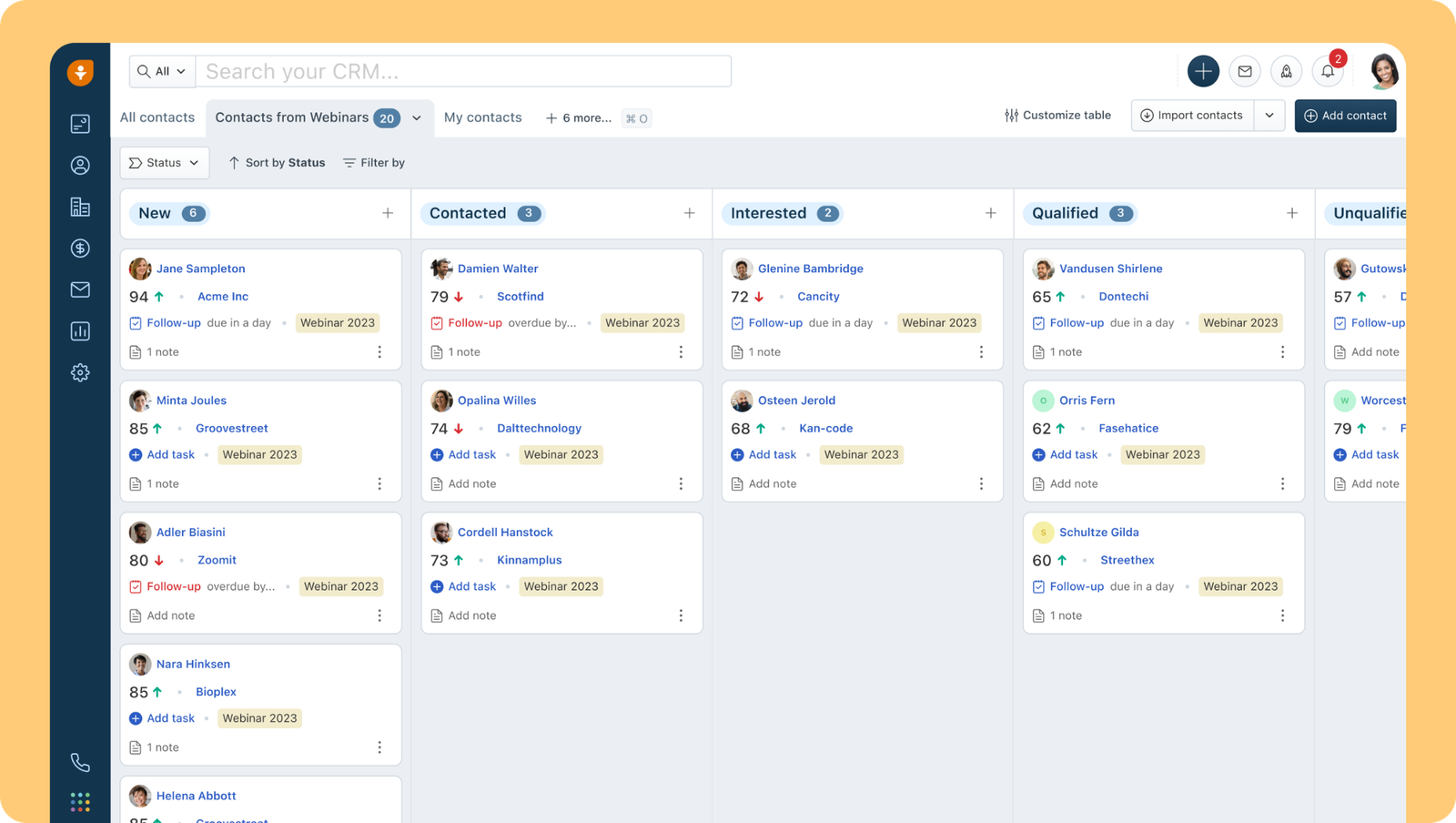
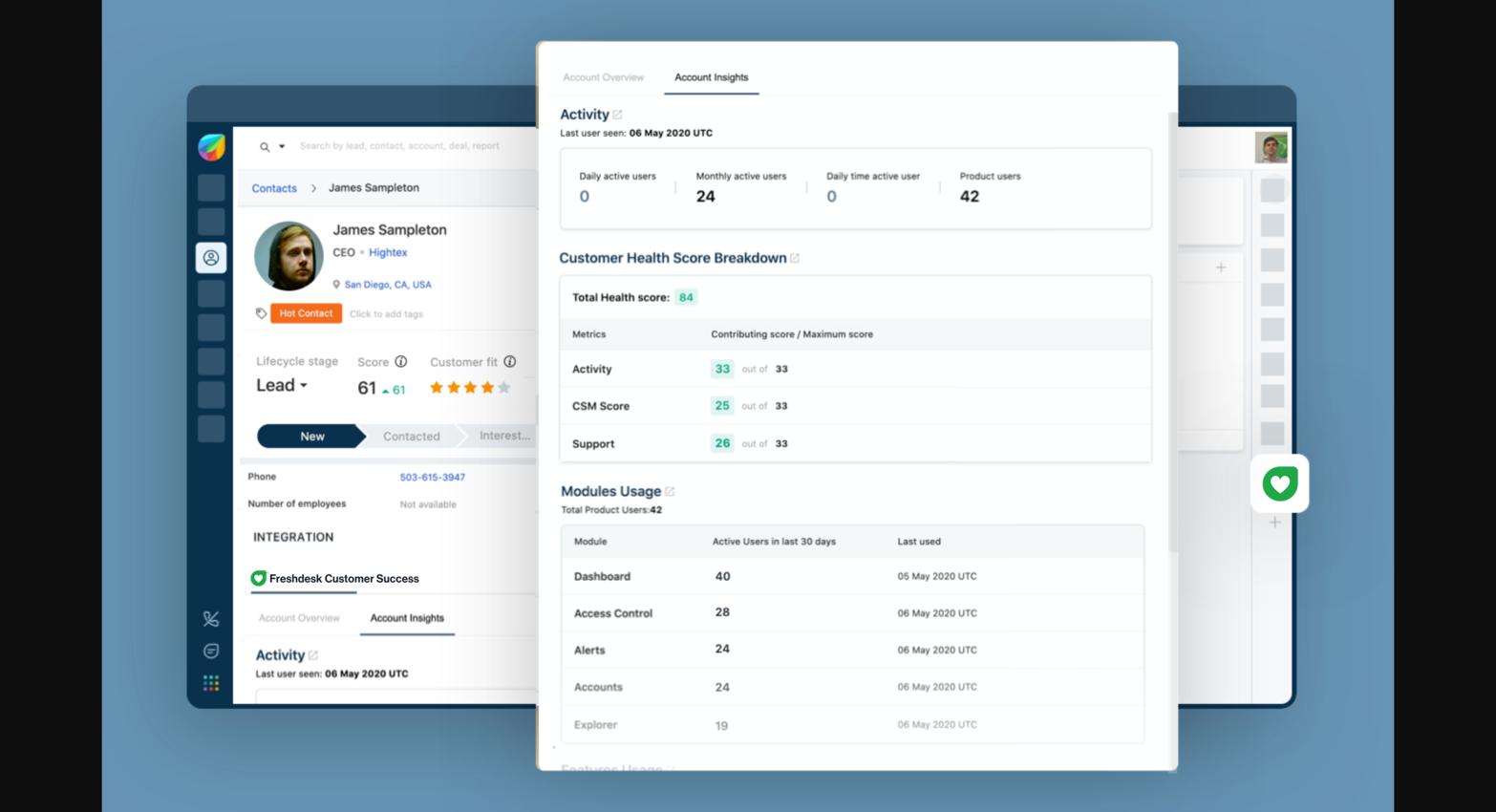
The platform organises information around three core objects: contacts (individuals), accounts (companies), and deals (active sales opportunities), typically viewed through a Kanban-style board. Keeping this structure clean from day one, rather than letting duplicate contacts and untracked deals pile up, is what makes reporting usable later instead of something you have to clean up before every board meeting.
Lead Scoring and Assignment
Freshworks CRM supports lead scoring and automated lead assignment, so incoming leads get routed to the right rep based on rules you define, rather than manual triage. Combined with Freddy AI's deal insights, this helps sales teams prioritise where to spend their time instead of working leads in whatever order they arrived.
Automating the Sales Process
Workflow automation is one of the platform's strongest features: automated email sequences, task reminders, and deal-stage triggers that fire without manual input. The difference between a generic automation setup and one that actually saves time usually comes down to whether it was built around your specific sales process. A capable Freshworks partner in the UAE will typically build these automations from how your team already sells, rather than relying on out-of-the-box defaults that don't quite fit.
"A CRM that isn't adopted by the sales team is just an expensive spreadsheet. Getting the setup right the first time is what determines whether people actually use it six months in."
Reporting and Pipeline Visibility
Built-in dashboards show pipeline health, conversion rates, and rep-level performance. Reviewing these regularly, not just at quarter-end, is what surfaces where deals are actually stalling, whether that's a specific pipeline stage, a slow follow-up cadence, or a lead source that isn't converting.

Integrating With the Rest of Your Stack
Through the Freshworks Marketplace, the CRM integrates with tools across marketing, finance, HR, IT, and support, giving a more complete view of the customer rather than a sales-only snapshot. For UAE businesses running multiple systems side by side, getting these integrations configured the first time correctly avoids the data silos that make reporting unreliable.
Conclusion
Freshworks CRM gives businesses a genuinely capable foundation for managing customer relationships, from first contact through to closed deal and beyond. But the platform's value depends heavily on how it's set up. Rushed configuration leads to messy data and automations that don't match how the team sells. Working with a Freshworks partner in UAE that takes the time to build the system around your actual process is what turns Freshworks CRM from "another tool the team logs into" into something that genuinely drives the sales process.