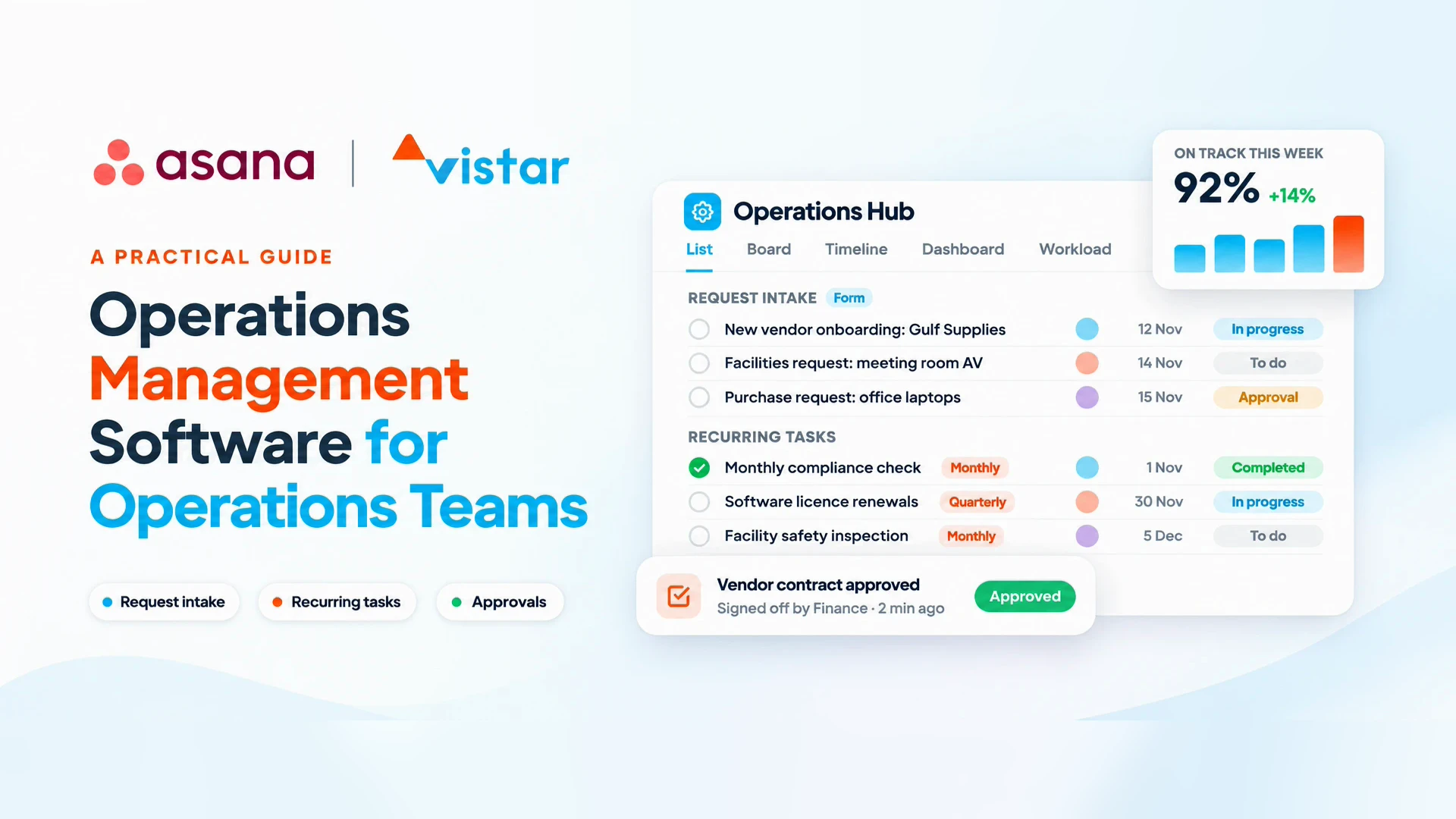
Running operations without the chaos
If your operations team runs on spreadsheets, email threads and chat messages, you already know the cost: work falls through the cracks, and nobody can say what is on track without calling a meeting.
Operations teams keep the business running. They handle vendor onboarding, facilities requests, compliance checks, process changes and dozens of recurring tasks every week. Most of that work crosses departments, and most of it is invisible until something goes wrong.
That is the problem operations management software is built to solve. In this guide, you will learn:
- What operations management software is and how it differs from a simple to-do app
- The signs your team has outgrown spreadsheets
- The features that matter most in an operations project management tool
- How to evaluate options and roll one out without disrupting daily work
What is operations management software?
Operations management software is a central platform where an operations team plans, assigns, tracks and reports on all of its work, from one-off projects to recurring processes.
Think of it as a single source of truth. Instead of asking "where are we on this?" across five channels, everyone sees the same tasks, owners, deadlines and status in one place.
It differs from two tools teams often confuse it with:
- A to-do list app tracks individual tasks. It does not show how work connects across people, teams and deadlines.
- An ERP system manages transactions such as inventory, finance and procurement. It does not manage the human work of getting projects and processes done.
A good operations project management tool sits between the two. It organizes the people side of operations: who is doing what, by when, and what is blocked.
Why operations teams need project management: 7 signs you have outgrown spreadsheets
Spreadsheets work when a team is small and the work is simple. Project management for operations becomes essential once any of these sound familiar:
- You find out about problems late. A deadline slips and you only hear about it on the day it was due.
- Status updates eat your week. You spend hours in meetings or chasing messages just to learn what is happening.
- Requests arrive from everywhere. Email, chat, hallway conversations and phone calls, with no single queue.
- Recurring tasks get missed. Monthly audits, renewals and checks depend on someone remembering.
- Processes live in people's heads. When a key person is on leave, work stalls.
- Nobody knows who is overloaded. Some people are drowning while others have capacity.
- Leadership asks for a report and you rebuild it from scratch. Every time.
If three or more apply, a dedicated operations management tool will likely save your team more time than it costs to set up.
Key features to look for in an operations project management tool
The right operations project management tool fixes visibility first, then removes manual work. These are the features that matter most:
| Feature | What it solves for operations |
|---|---|
| Request intake forms | One front door for requests instead of email and chat; every request gets an owner and a due date |
| Recurring tasks | Monthly, quarterly and annual work is created automatically, so nothing depends on memory |
| Templates | Repeatable processes (vendor onboarding, new hire setup, audits) start from the same checklist every time |
| Workflow automation | Tasks move, get assigned or trigger notifications based on rules, cutting manual follow-ups |
| Approvals | Sign-offs happen inside the tool with a clear record, not lost in inboxes |
| Dashboards and reporting | Live status for the team and leadership without building a report by hand |
| Workload view | See who has capacity before assigning new work |
| Multiple views | List, board, timeline and calendar views of the same work, so each person works the way they prefer |
| Integrations | Connects with email, chat, file storage and other systems the team already uses |
| AI assistance | Summarizes status, drafts updates and flags risks, saving time on routine reporting |
Start with intake, recurring tasks and dashboards. Those three alone usually remove most of the chaos.
5 operations workflows to manage in one place
Most operations teams get the fastest results by moving these five workflows into their operations management software first.
1. Request intake
Replace scattered requests with a single form. Each submission becomes a task with the details you need, an owner and a priority. Requesters can check progress without messaging you.
2. Recurring operations tasks
Set up compliance checks, license renewals, monthly reconciliations and facility inspections once. The tool creates them on schedule and assigns them automatically.
3. Standard operating procedures (SOPs)
Turn each SOP into a project template with steps, owners and due dates. New team members follow the same process as experienced ones, and nothing is skipped.
4. Approvals
Purchase requests, policy changes and vendor contracts need sign-off. Route them to the right approver inside the tool, with a clear record of who approved what and when.
5. Cross-functional projects
Office moves, system rollouts and process changes involve finance, HR, IT and others. A shared project with a timeline shows every team's part and the dependencies between them.
How to choose the right operations management software
The best operations management software is the one your team will actually use every day. Use this checklist when comparing options:
- ☐ Ease of use: Can a new team member learn the basics in under an hour?
- ☐ Fits your workflows: Does it handle intake, recurring tasks, templates and approvals without workarounds?
- ☐ Visibility for leaders: Can you see status across all projects and people on one dashboard?
- ☐ Scales across teams: Can finance, HR and IT join later without a separate tool?
- ☐ Automation: Can you build rules without code?
- ☐ Integrations: Does it connect to the email, chat and file tools you already use?
- ☐ Security and admin controls: Does it meet your company's data, access and compliance requirements?
- ☐ Local support: Is there a partner who can help with setup, training and adoption in your region and time zone?
- ☐ Total cost: Licenses plus setup, training and the time your team spends learning it.
Run a short pilot with one real workflow, such as request intake, before rolling out to everyone. Real work reveals more than any demo.
How to roll out an operations project management tool in 6 steps
A phased rollout over four to eight weeks keeps daily operations running while the team adopts the new tool.
- Map your current work. List your recurring tasks, common requests and active projects. Note where things currently get lost.
- Pick one starting workflow. Request intake or recurring tasks are usually the best first win.
- Set up the structure. Create projects, templates, intake forms and a few simple automation rules.
- Train the team in short sessions. Focus on the five actions people do daily, not every feature.
- Move the meetings into the tool. Replace status meetings with a shared dashboard and written updates.
- Expand and review. Add the next workflow each month, and check what is working with the team.
The most common reason rollouts fail is running the old system in parallel. Set a date after which requests and updates only count if they are in the tool.
Frequently asked questions
What is the best operations management software?
The best choice depends on your team's size, workflows and existing tools. Look for a platform that combines request intake, recurring tasks, templates, automation and leadership dashboards, and that your team finds easy to use.
What is the difference between operations management and project management?
Project management covers work with a clear start and end, such as an office move. Operations management covers ongoing, repeatable work, such as monthly audits. Operations teams do both, so they need a tool that handles projects and recurring processes together.
Can a project management tool work for operations teams?
Yes, if it supports recurring tasks, intake forms, templates and approvals. Basic task apps often fall short because they lack these operations-specific features.
How long does it take to implement operations management software?
Most teams can launch their first workflow in two to four weeks and complete a full rollout in one to three months, depending on the number of workflows and teams involved.
How do I get visibility into what my operations team is doing?
Centralize all requests, tasks and projects in one tool, then use a shared dashboard that shows status, owners and deadlines. This replaces most status meetings and follow-up messages.
Bring order to your operations
Operations teams do not need more meetings or more spreadsheets. They need one place where every request, recurring task and project is visible, owned and on track.
At Vistar, we help operations teams in the UAE and the wider GCC set up Asana as their operations management software, covering intake forms, recurring workflows, SOP templates, approvals and leadership dashboards. We handle implementation, training and licensing, so your team gets results in weeks, not months.
Book a free operations workflow assessment →
We will map your current processes and show you exactly what your operations could look like in one place.