Asana Agentic Work Management

Asana Agentic Work Management for Teams in the UAE & KSA

Bring your people, AI agents and workflows together on one shared plan.

Asana Agentic Work Management helps people and AI agents coordinate critical work with shared context from the Asana Work Graph®. AI Teammates take on tasks, Asana Dash highlights priorities, and AI Studio automates repeatable workflows. Vistar helps organizations in the UAE and Saudi Arabia identify the right use cases, configure their workflows and adopt AI with appropriate human oversight.

Asana Agentic Work Management: people and AI Teammates working together around the Asana platform
Overview

What is Asana Agentic Work Management?

Agentic Work Management is Asana’s approach to running work with humans and AI agents on the same plan. Rather than keeping AI-generated answers separate from execution, Asana connects agents with the projects, tasks, goals and dependencies where teams already collaborate. The Work Graph provides context, while permissions and review steps help keep people in control.

  1. Coordinate people and AI Teammates within shared projects.
  2. Automate request intake, classification, routing and updates.
  3. Surface decisions, blockers and priorities without chasing status.
  4. Connect supported AI assistants to real Asana work.
Capabilities

Everything your human–agent teams need

AI Teammates — Agents that work alongside your team

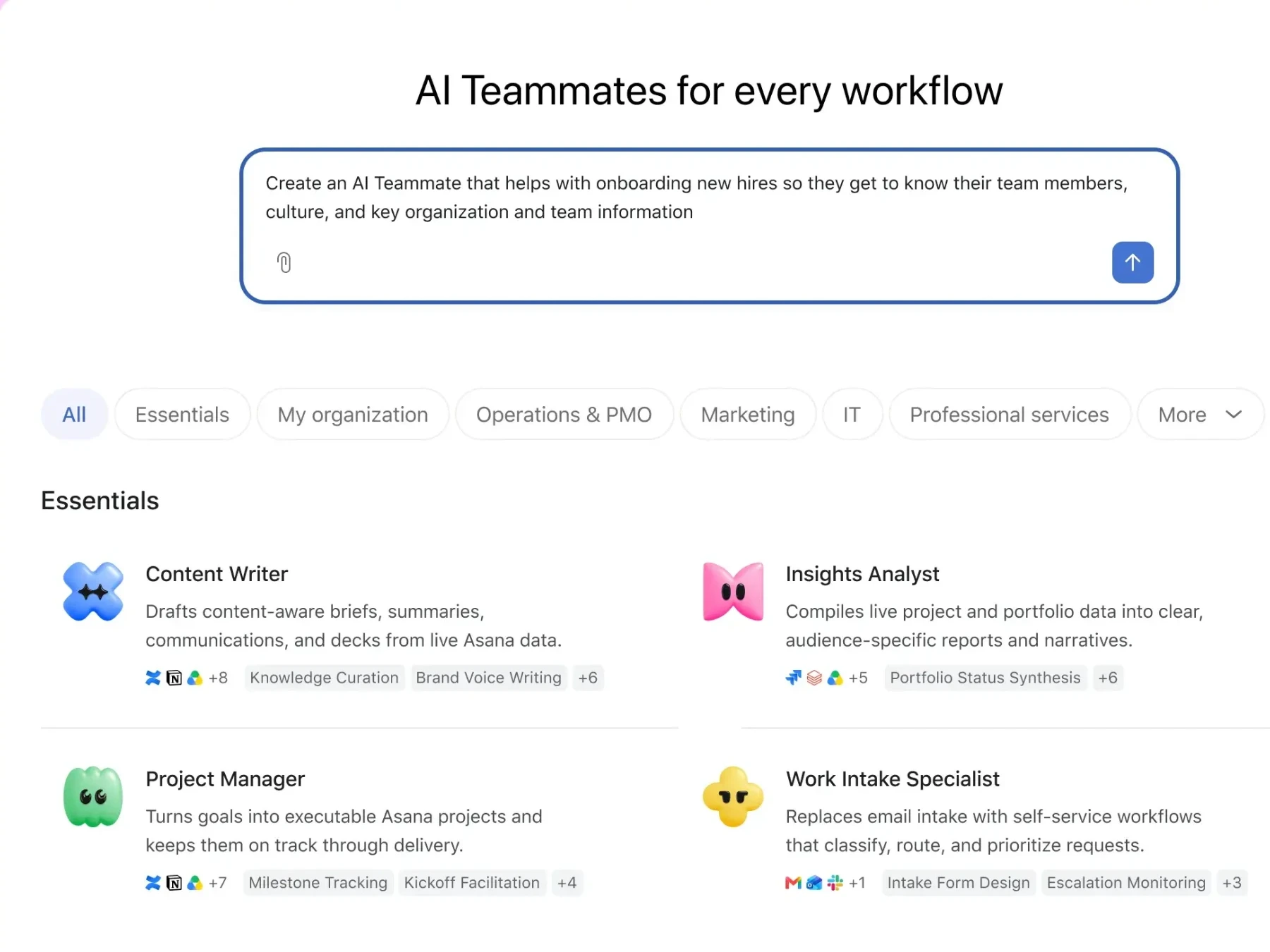
Choose from 30+ prebuilt AI Teammates across functions and industries, or configure a Teammate for a specific role. Assign work such as drafting, research, request triage and project summaries, with checkpoints for feedback and review.

  • 30+ prebuilt Teammates
  • Drafting
  • Research
  • Request triage
  • Project summaries
Talk to Our Experts
Asana AI Teammates gallery with prebuilt Teammates such as Content Writer, Insights Analyst, Project Manager and Work Intake Specialist

Asana Dash — An AI chief of staff

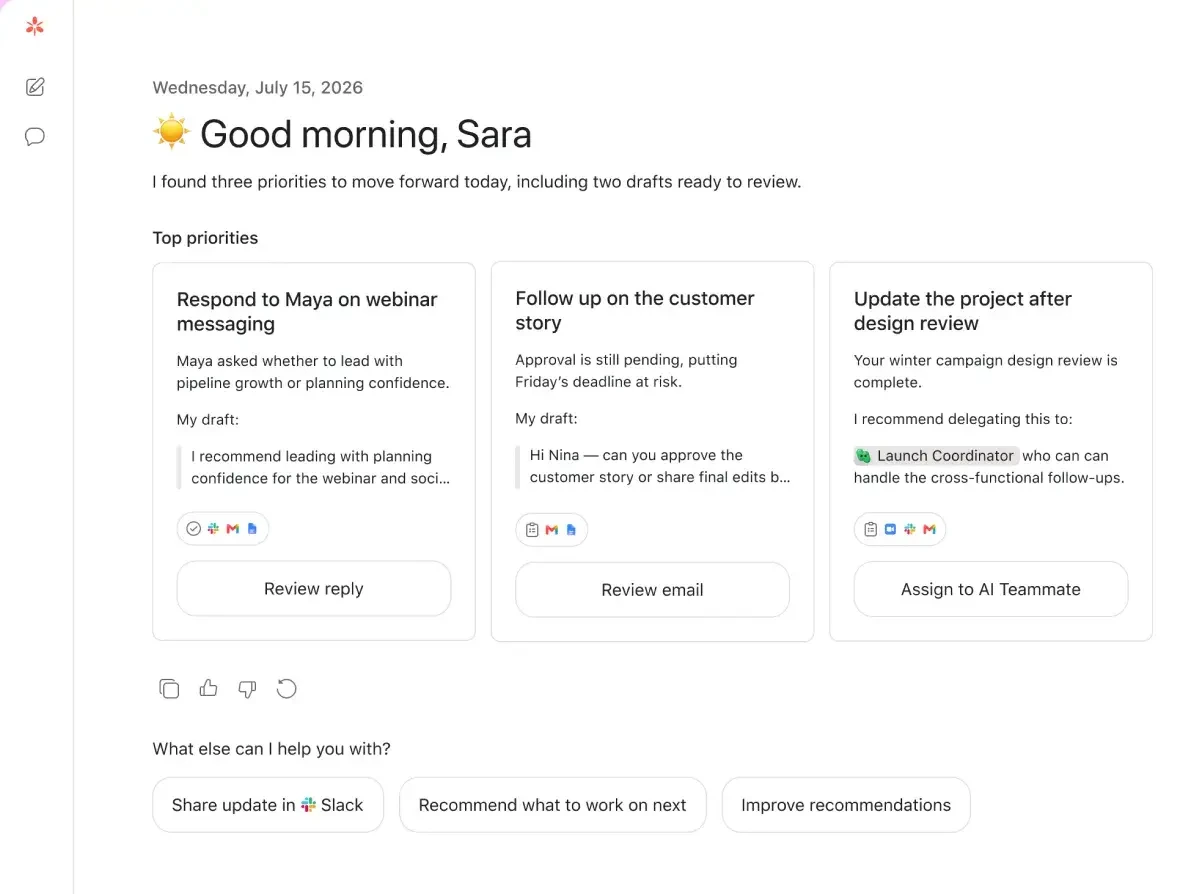
Dash brings attention to important priorities, decisions and follow-ups from projects and supported communication tools. It can recommend next actions and route suitable work to AI Teammates.

  • Priorities
  • Decisions
  • Follow-ups
  • Next actions
Talk to Our Experts
Asana Dash showing today’s top priorities, drafted replies and a task recommended for an AI Teammate

AI Studio — No-code workflow automation

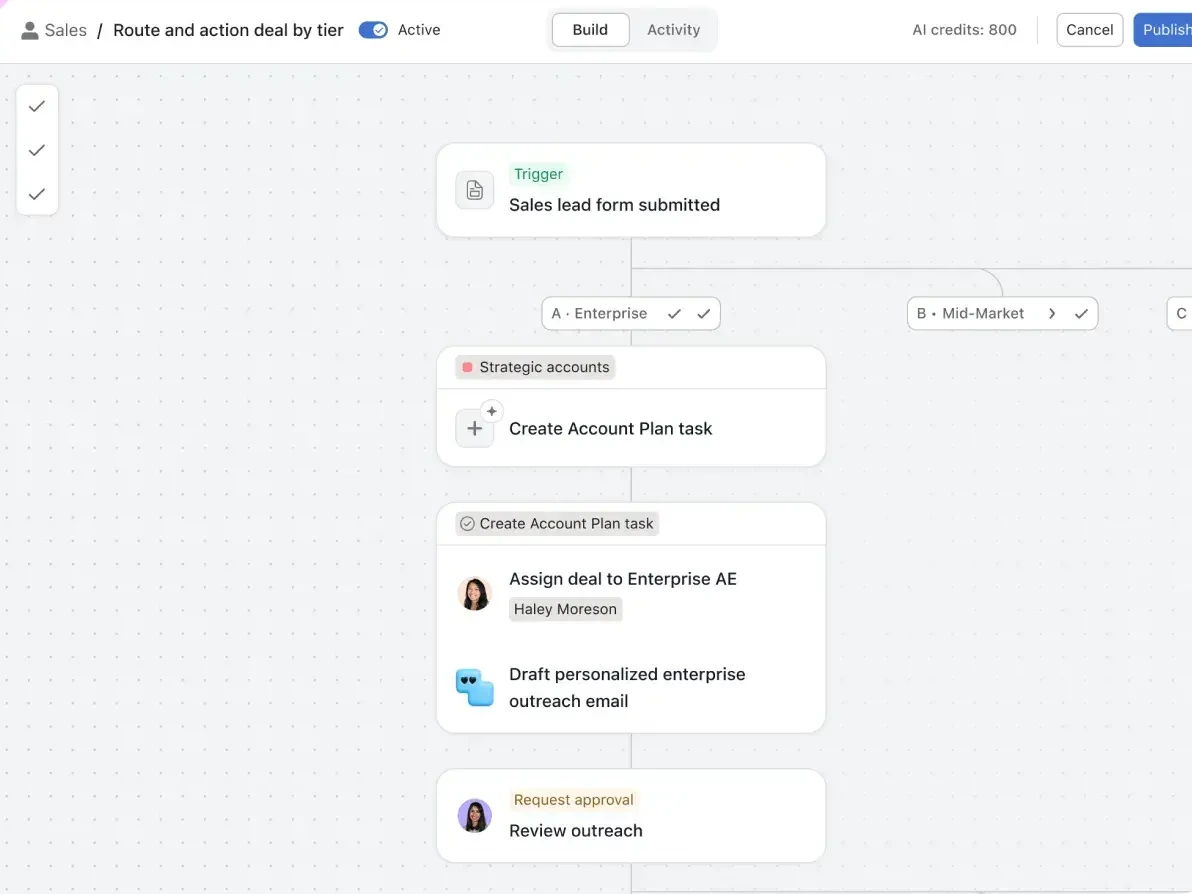
Design structured AI-assisted workflows for intake, routing, approvals, status updates and other recurring processes. Keep business rules and human review within the workflow.

  • Intake
  • Routing
  • Approvals
  • Status updates
Learn more about AI Studio

Asana Work Graph® — Shared business context

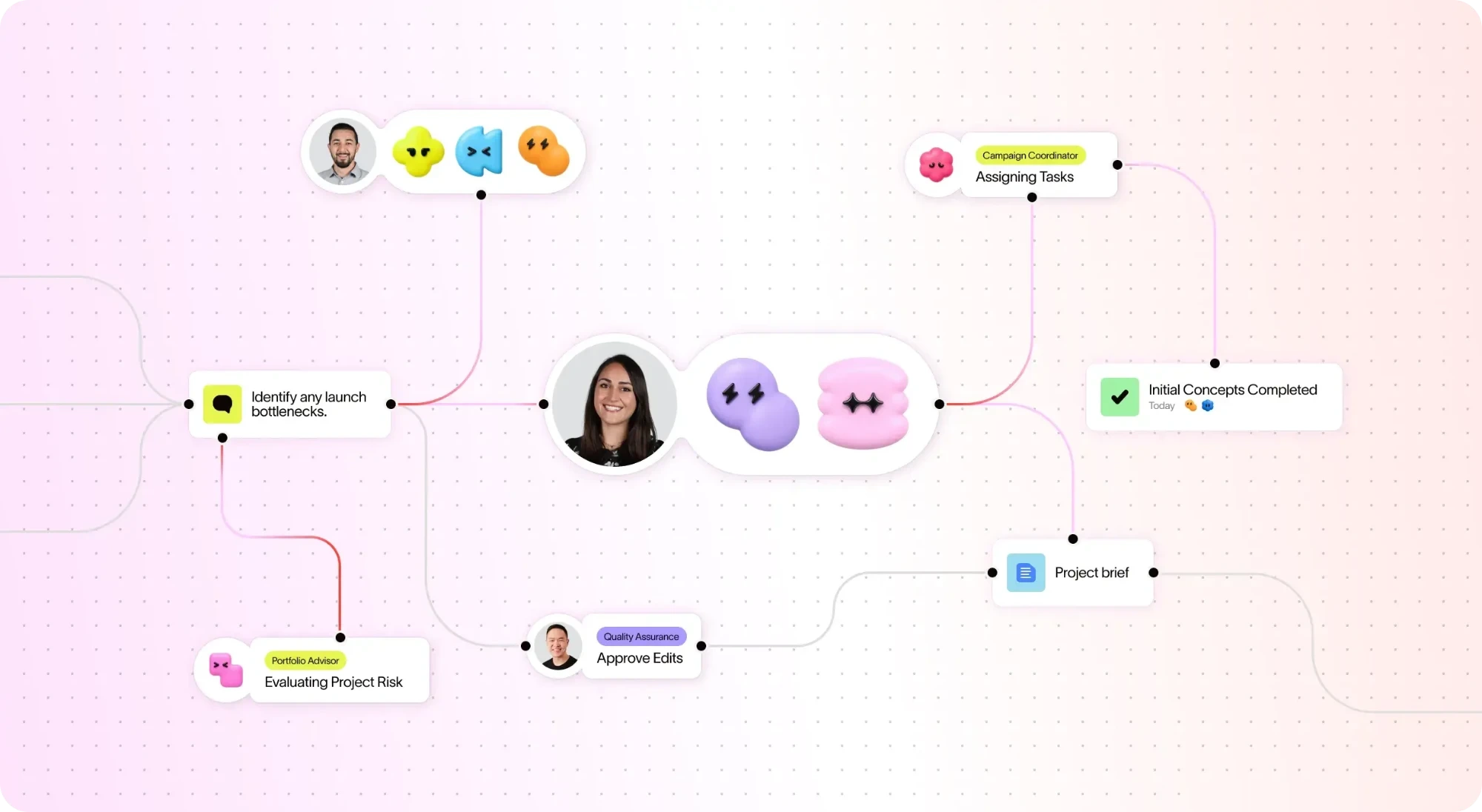
Connect people, agents, tasks, requests, projects, goals and dependencies so that work remains linked to the outcomes teams are managing.

Asana Work Graph connecting people and AI Teammates to tasks, project briefs, approvals and project risk

AI Connectors & MCP — Work across tools

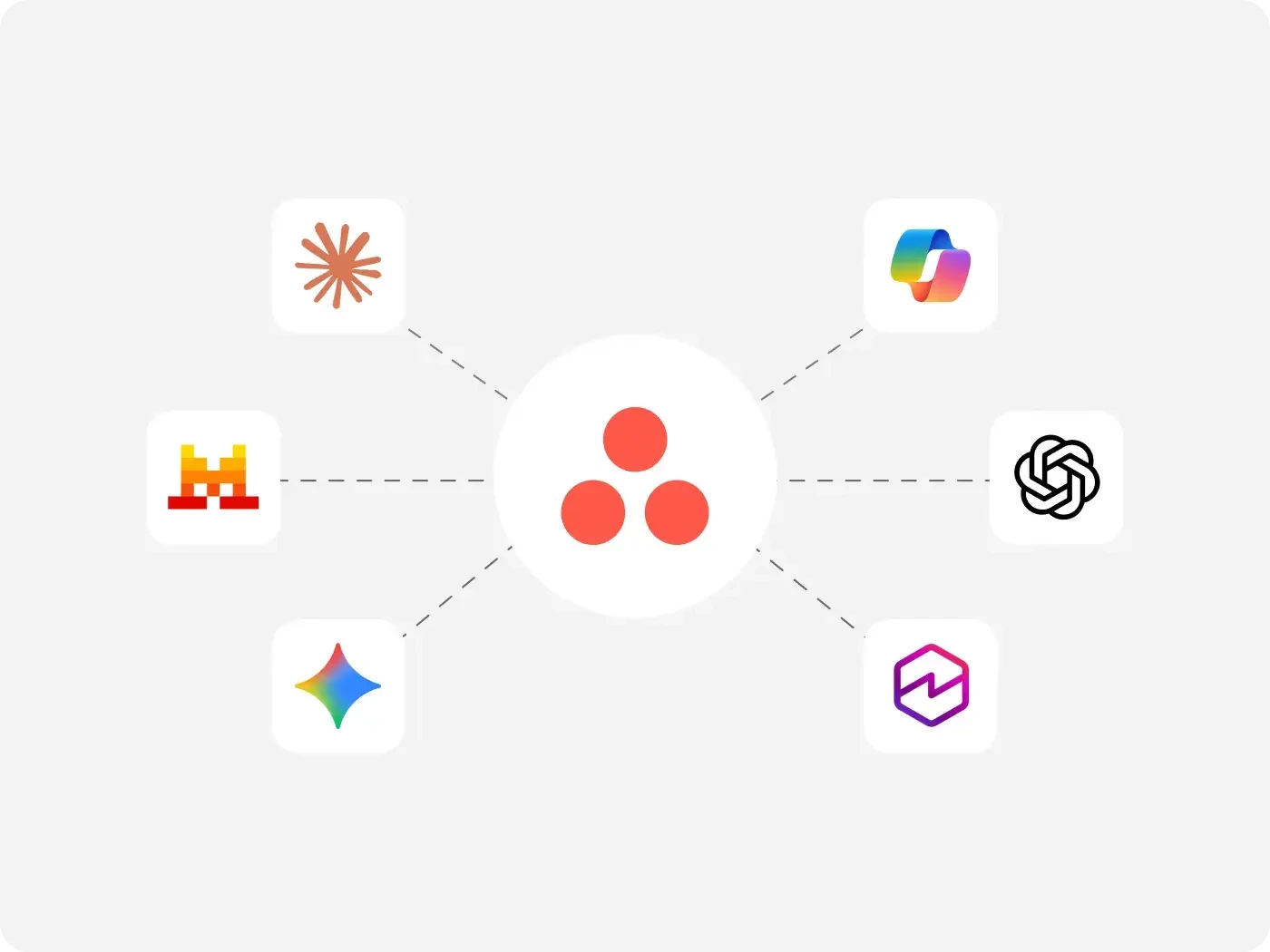
Connect supported AI assistants such as ChatGPT, Claude, Gemini and Microsoft Copilot with Asana through AI Connectors and the Model Context Protocol, subject to configured permissions and supported actions.

  • AI Connectors
  • Model Context Protocol
  • Permission-based actions
Talk to Our Experts
Asana connected to AI assistants including Claude, ChatGPT, Gemini and Microsoft Copilot through AI Connectors and MCP
How it works

How agentic work moves from request to result

  1. 1. Capture the request

    A brief or service request enters Asana through a form, task or supported integration.

  2. 2. Organize and route

    AI Studio can classify the request and route it according to the workflow configuration.

  3. 3. Assign meaningful work

    An AI Teammate helps research, draft, summarize or coordinate the next action.

  4. 4. Review and approve

    People validate outputs and retain control over decisions that require approval.

  5. 5. Track progress

    Tasks, milestones and project reporting provide visibility into execution and outcomes.

Illustrative workflow; exact steps depend on the implementation.

Benefits

Business benefits

  • Less repetitive coordination

    Reduce manual triage, handoffs and routine updates.

  • Better visibility

    Connect tasks and agent contributions to projects and goals.

  • Faster response to work

    Surface blockers and next steps earlier.

  • More consistent processes

    Apply standard workflows across departments.

  • Human accountability

    Use approvals, permissions and review checkpoints for critical decisions.

Use cases

Where organizations can use AI agents

Illustration of a folder of project reports, charts and status documents for PMO reporting
Department

Project Management & PMO

Coordinate work intake, prepare status summaries, flag delivery risks and support executive reporting.

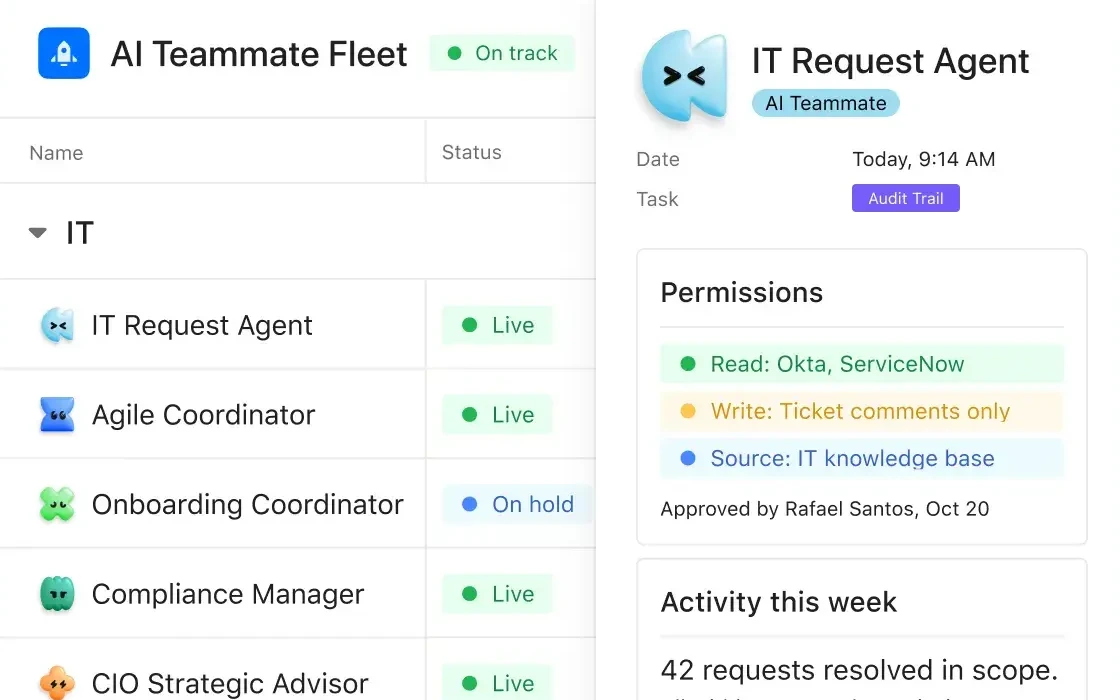
Asana AI Teammate Fleet for IT, showing the IT Request Agent with its approved permissions and live status
Department

IT & Internal Operations

Triage requests, coordinate onboarding, organize service workflows and manage follow-up tasks. See also Asana Service Management.

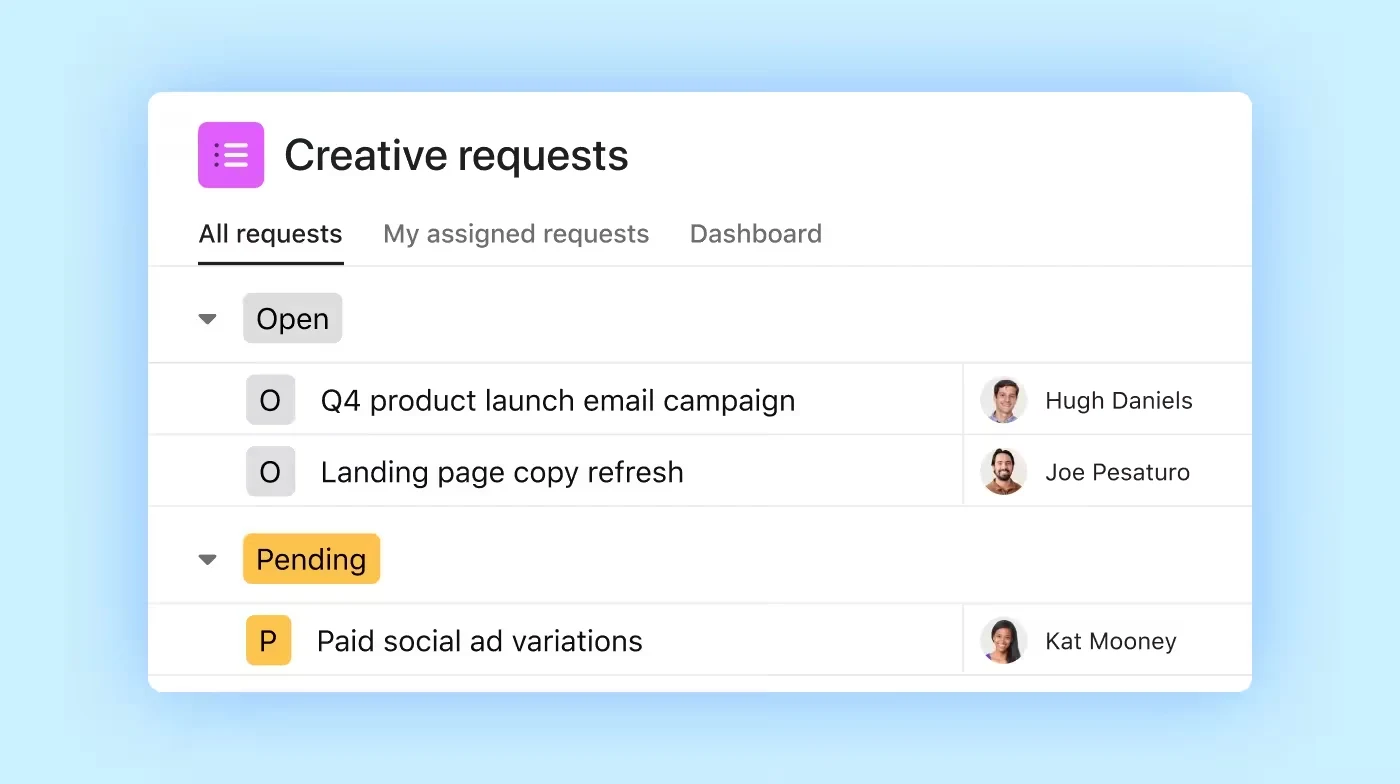
Asana Creative requests project with open and pending campaign, landing page and paid social requests
Department

Marketing & Creative

Support campaign briefs, content preparation, launch coordination and creative reviews.

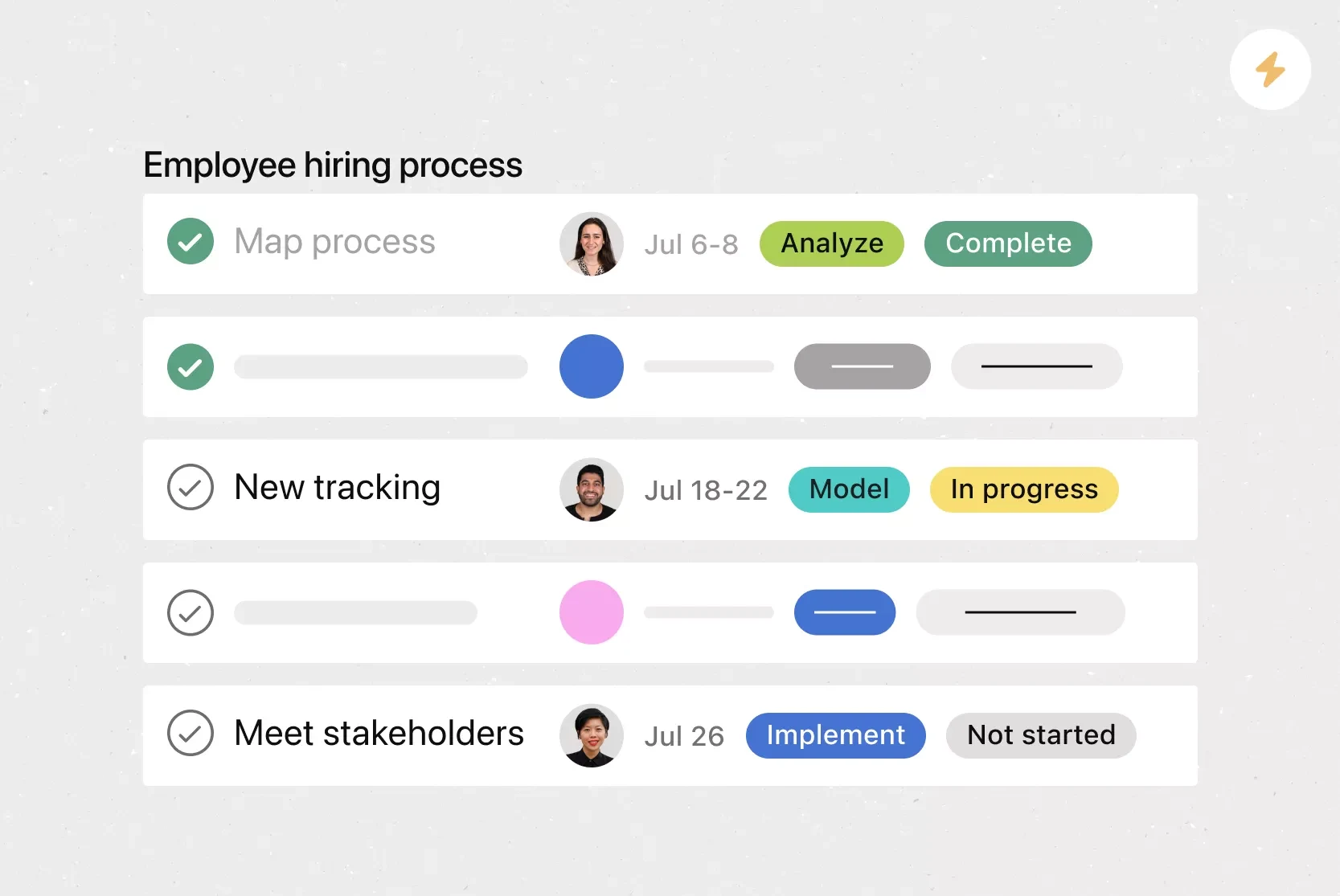
Asana employee hiring process with stages, owners, dates and status for each step
Department

HR & Employee Services

Coordinate onboarding activities, organize employee requests and standardize handoffs.

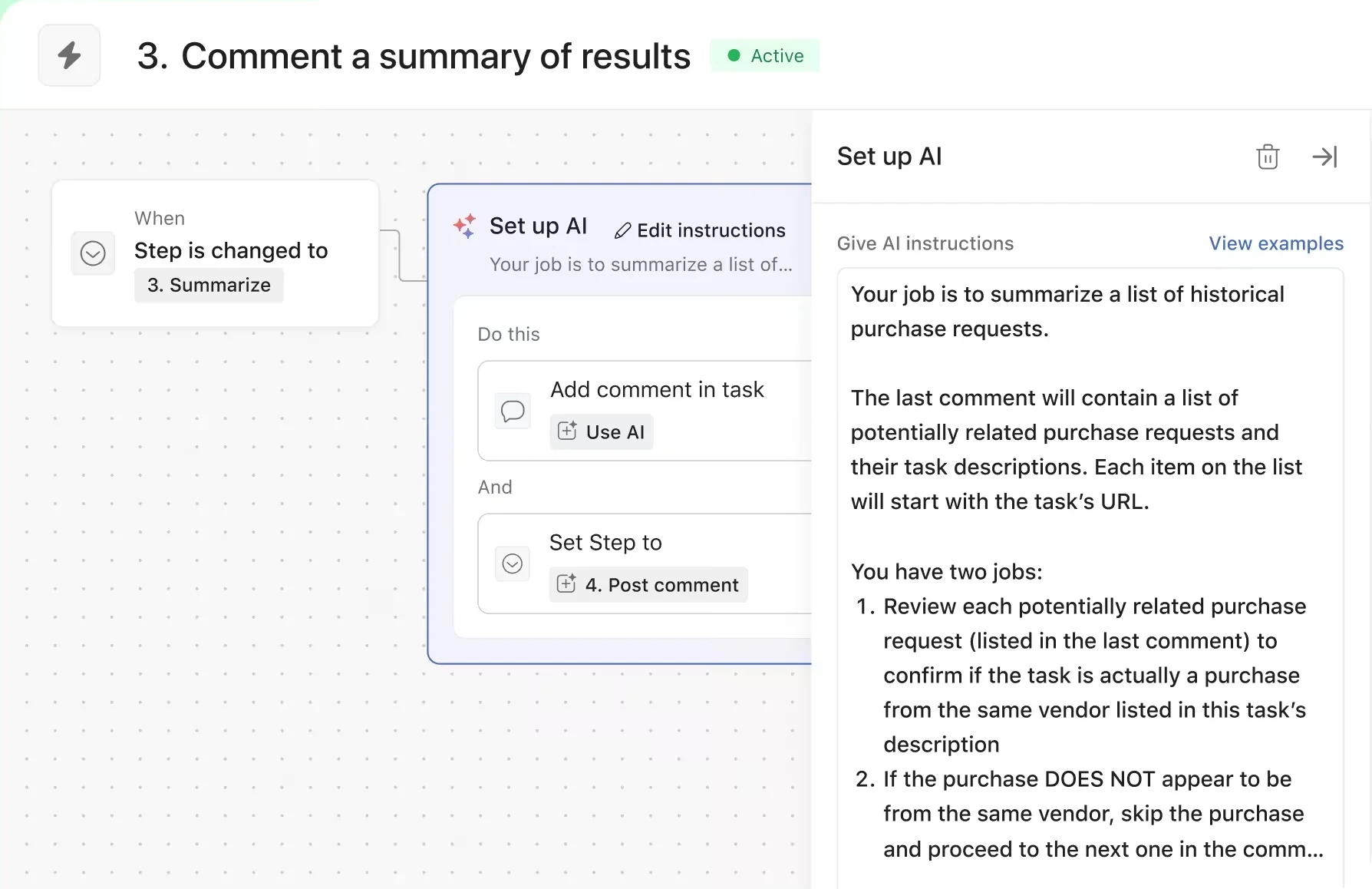
AI Studio rule in Asana that reviews and summarizes related purchase requests from the same vendor
Department

Finance & Procurement

Structure purchase requests, coordinate reviews and track procurement tasks and approvals.

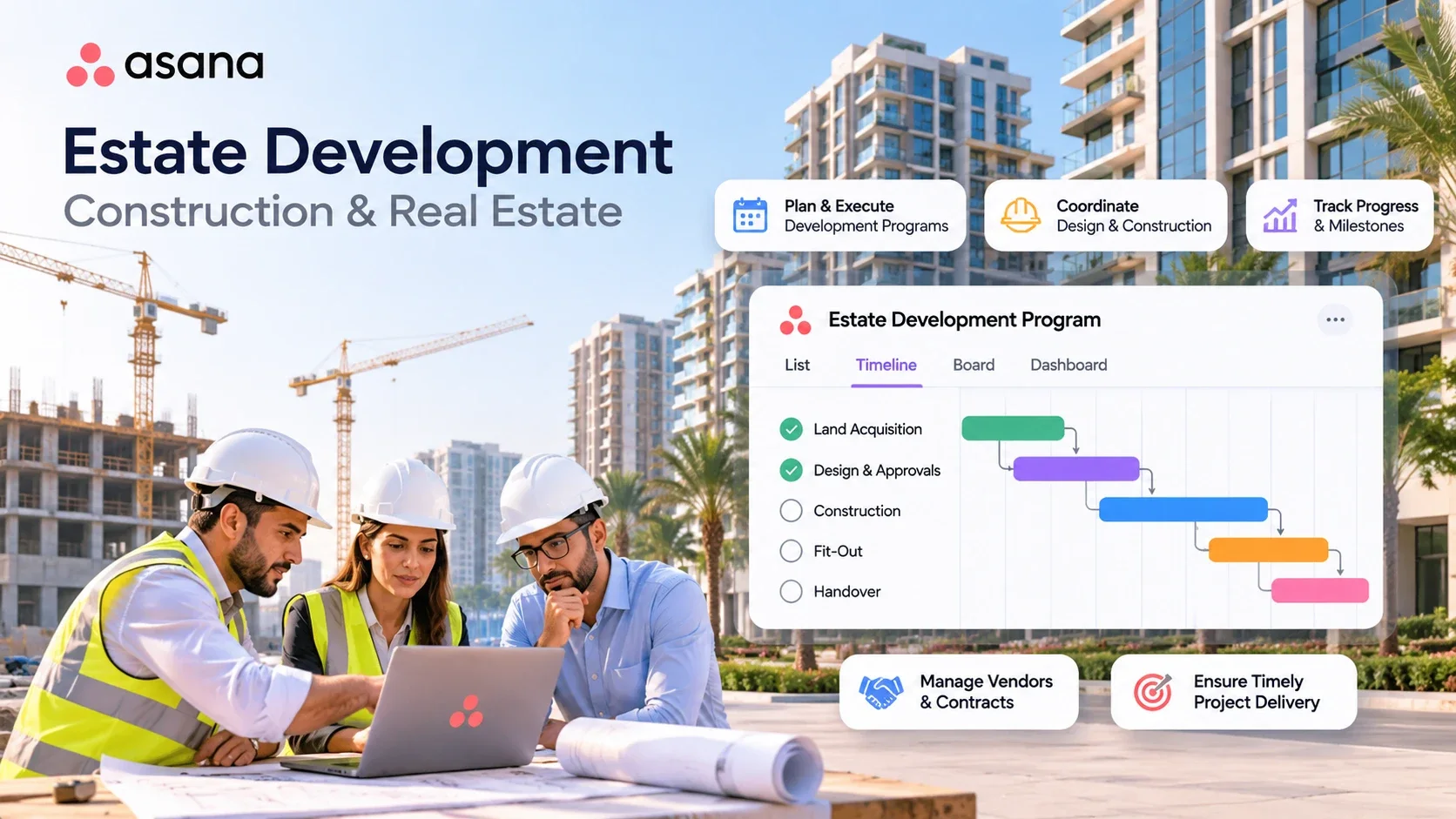
Estate development program in Asana with a timeline from land acquisition and design approvals to construction, fit-out and handover
Industry

Construction & Real Estate

Support milestone coordination, procurement tracking, dependencies and portfolio reporting.

Governance

AI governance and human oversight

Responsible adoption requires clear ownership of work. Asana describes identity, scoped permissions, audit trails and spend controls for AI Teammates, alongside human checkpoints. Vistar can help organizations define suitable use cases, access boundaries, approval steps and rollout practices.

Asana also states that its AI partners do not use customer data to train their models.

Availability and configuration of individual controls should be validated for the customer’s plan.

  • Identity
  • Scoped permissions
  • Audit trails
  • Spend controls
  • Human checkpoints
Why Vistar

Why work with Vistar?

AI delivers value when it fits the way your teams operate. Vistar helps organizations in the UAE and Saudi Arabia translate Asana’s capabilities into practical work management processes, from initial design through adoption.

Explore our Asana services and Asana workflow automation.

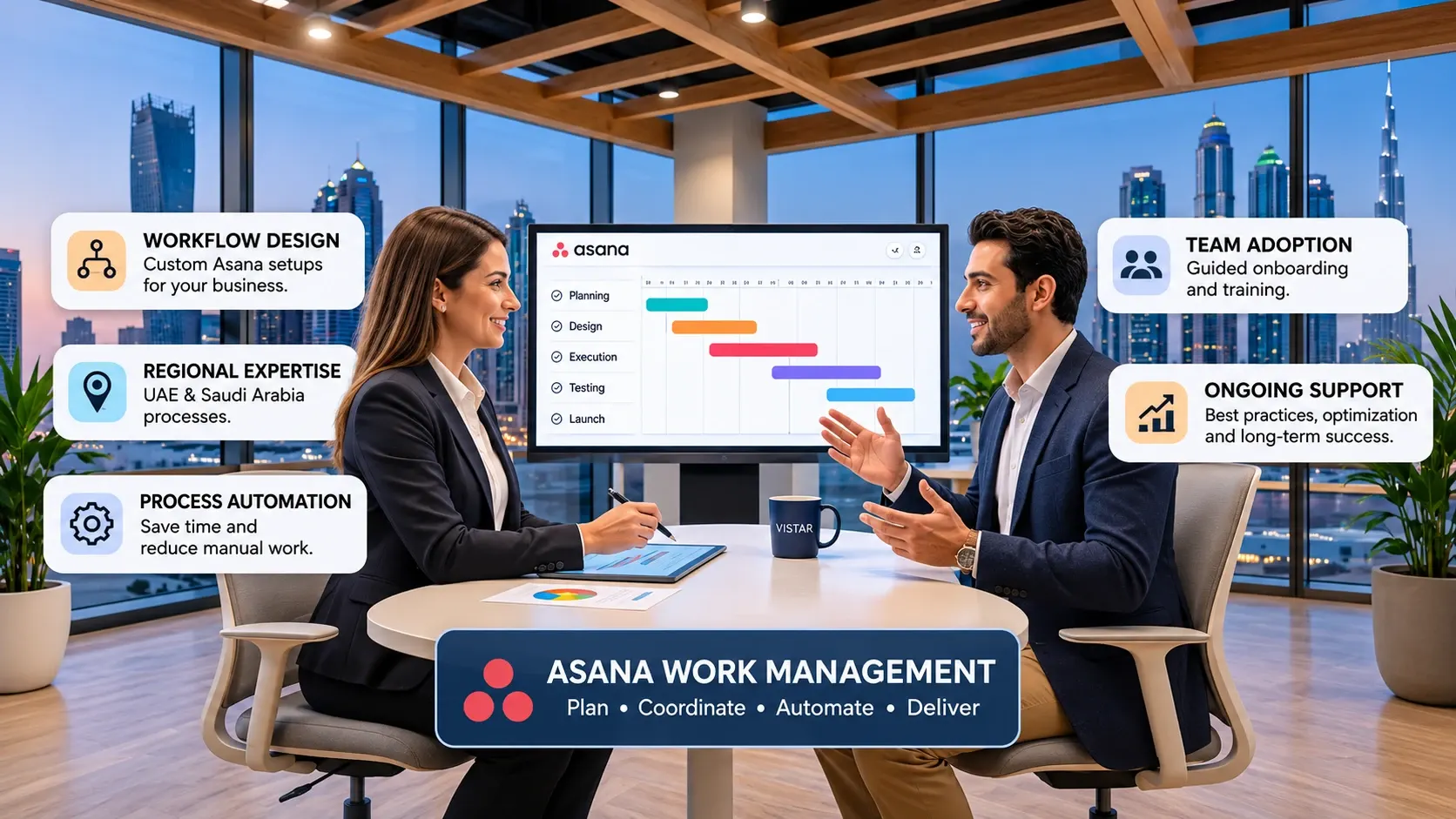
Vistar consultant reviewing an Asana project timeline with a client in Dubai, highlighting workflow design, regional expertise, process automation, team adoption and ongoing support
  1. Use-case discovery

    Identify high-value workflows and define realistic success criteria.

  2. Asana configuration

    Set up projects, portfolios, AI Teammates and AI Studio workflows around business requirements.

  3. Integration planning

    Assess supported connections with existing tools and data flows.

  4. Governance design

    Define access, approvals, human review and operating responsibilities.

  5. Training and optimization

    Help teams adopt new workflows, review performance and improve over time.

FAQ

Frequently asked questions

What is Asana Agentic Work Management?

It brings people and AI agents together to execute workflows on one shared Asana plan, supported by the Work Graph.

How are AI Teammates different from AI Studio?

AI Teammates take on assigned work; AI Studio automates repeatable, structured workflow steps such as intake and routing.

What does Asana Dash do?

Dash surfaces priorities and next actions and can connect work to the right AI Teammate.

Can Asana connect with ChatGPT and Claude?

Yes, Asana supports AI Connectors and MCP for compatible AI tools, with actions governed by permissions and integration capabilities.

Does AI replace approvals by employees?

No. Teams can establish human review and approval steps for important decisions and outputs.

Which Asana plans support these capabilities?

Asana lists AI Teammates, Dash and AI Studio capabilities on paid plans. Included allowances and additional usage charges vary; confirm current terms before purchase. See how to buy Asana licenses in the UAE and GCC.

Can Vistar help us get started in the UAE or Saudi Arabia?

Vistar can support use-case planning, configuration, integrations, training and ongoing optimization.

Ready to put AI agents to work?

Discover how Asana Agentic Work Management can help your teams coordinate people, AI and business workflows. Speak with Vistar about a practical starting point and an implementation plan built around your priorities.